For a long time, web developers and SEO people obsessed over First Input Delay (FID) as the main way to measure how responsive a website felt. But in March 2024, Google replaced FID with a newer metric called Interaction to Next Paint (INP).
INP is stricter and honestly a bit more complicated. Most people assume slow INP scores come from heavy JavaScript. That’s definitely true sometimes—but there’s another sneaky cause that doesn’t get talked about much: large images and how the browser decodes them.
What is Interaction to Next Paint (INP)?
INP basically measures how fast your website reacts when a user does something.
That could be:
- clicking a button
- tapping a link
- pressing a key
- opening a dropdown
When that interaction happens, INP tracks how long it takes before the screen actually updates.
Roughly speaking:
- Good: under 200 ms
- Bad: over 500 ms
If your site feels laggy when someone clicks something, chances are your INP score isn’t great.
The browser’s “main thread” problem
To understand why images can mess this up, you need to know about something called the main thread.
Think of the browser like a tiny computer with a single-lane highway where important tasks happen. That highway handles things like:
- running JavaScript
- figuring out layouts with CSS
- drawing stuff on the screen
The problem is it can only do one big task at a time.
So imagine someone clicks an “Add to Cart” button. JavaScript needs to run to update the cart icon.
But if the main thread is busy doing something else, that click event has to wait its turn. During that moment, the page can feel frozen or unresponsive. That delay is exactly what INP measures.
The hidden cost of image decoding
Most developers think images only affect performance while they’re downloading. That’s true for things like Largest Contentful Paint (LCP).
But there’s another step that happens after the image downloads.
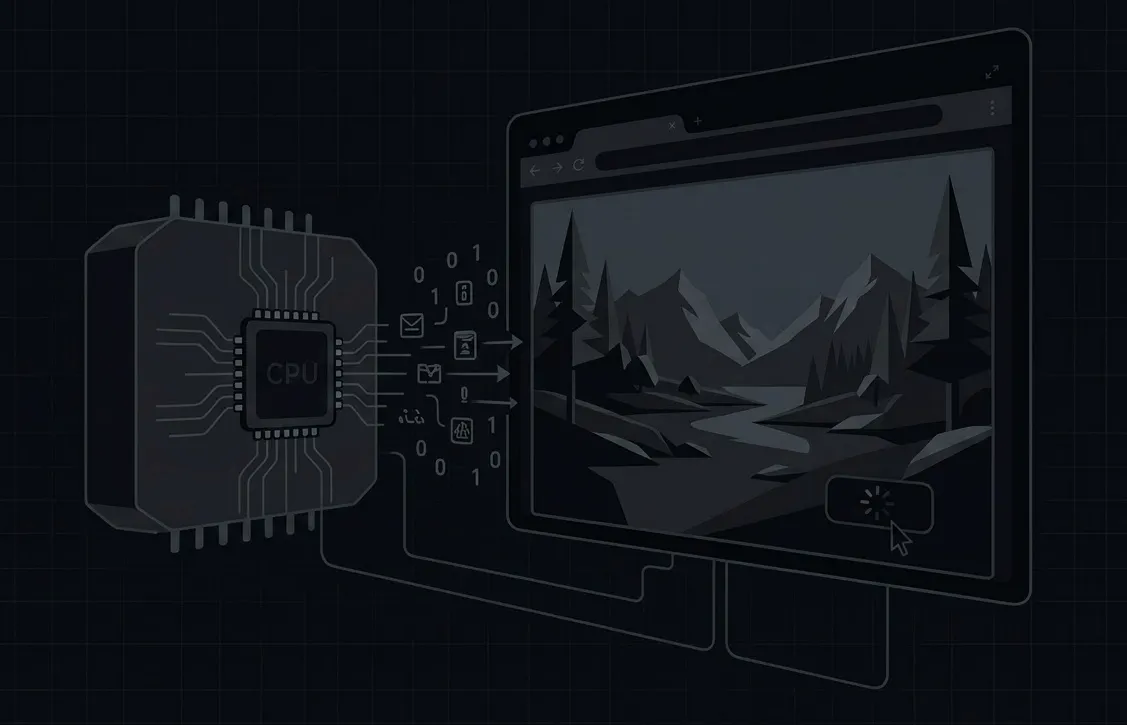
Before an image can show up on screen, the browser has to decode it. That means taking a compressed file like JPEG or WebP and turning it back into millions of pixels so your GPU can draw it.
And that process takes work.
Danger
In older browser behavior, image decoding happened right on the main thread.
If the browser suddenly had to decode a huge image—say a 10MB JPEG—that calculation could block the main thread for a few hundred milliseconds.
Now imagine someone tries to scroll or click something during that exact moment.
The browser basically says: “Hold on, I’m busy decoding this image.”
The interaction gets delayed, the page feels laggy, and your INP score gets worse.
How to avoid image-related INP problems
The good news is there are a couple pretty straightforward ways to avoid this.
1. Use async image decoding
Modern browsers support this little attribute on images:
<img src="hero.jpg" decoding="async">Adding decoding="async" tells the browser it’s allowed to decode the image in the background instead of blocking the main thread.
That means if someone clicks a button while the image is being processed, the UI can still respond right away.
2. Compress and resize your images
Even with async decoding, giant images are still a bad idea—especially on slower phones.
Processing cost grows really fast as image resolution increases.
For example:
- a 4000×4000 image = 16 million pixels
- an 800×800 image = 640k pixels
That’s about 96% less work for the CPU.
A few simple rules I try to follow:
- never upload raw photos straight from a camera
- compress images before putting them on the site
- use modern formats like WebP
Warning
One interesting thing: AVIF gives amazing file sizes, but it’s actually heavier to decode. On low-end devices, a well-compressed WebP can sometimes be the better option.
Performance isn’t just about download speed anymore
These days, optimizing websites isn’t only about network speed.
You also have to think about the device that’s running your site. Phones with slower CPUs can struggle if you throw huge images at them.
By resizing images and letting them decode asynchronously, you avoid situations where a big visual asset ends up blocking user interactions.
And that’s exactly the kind of thing INP is trying to measure.